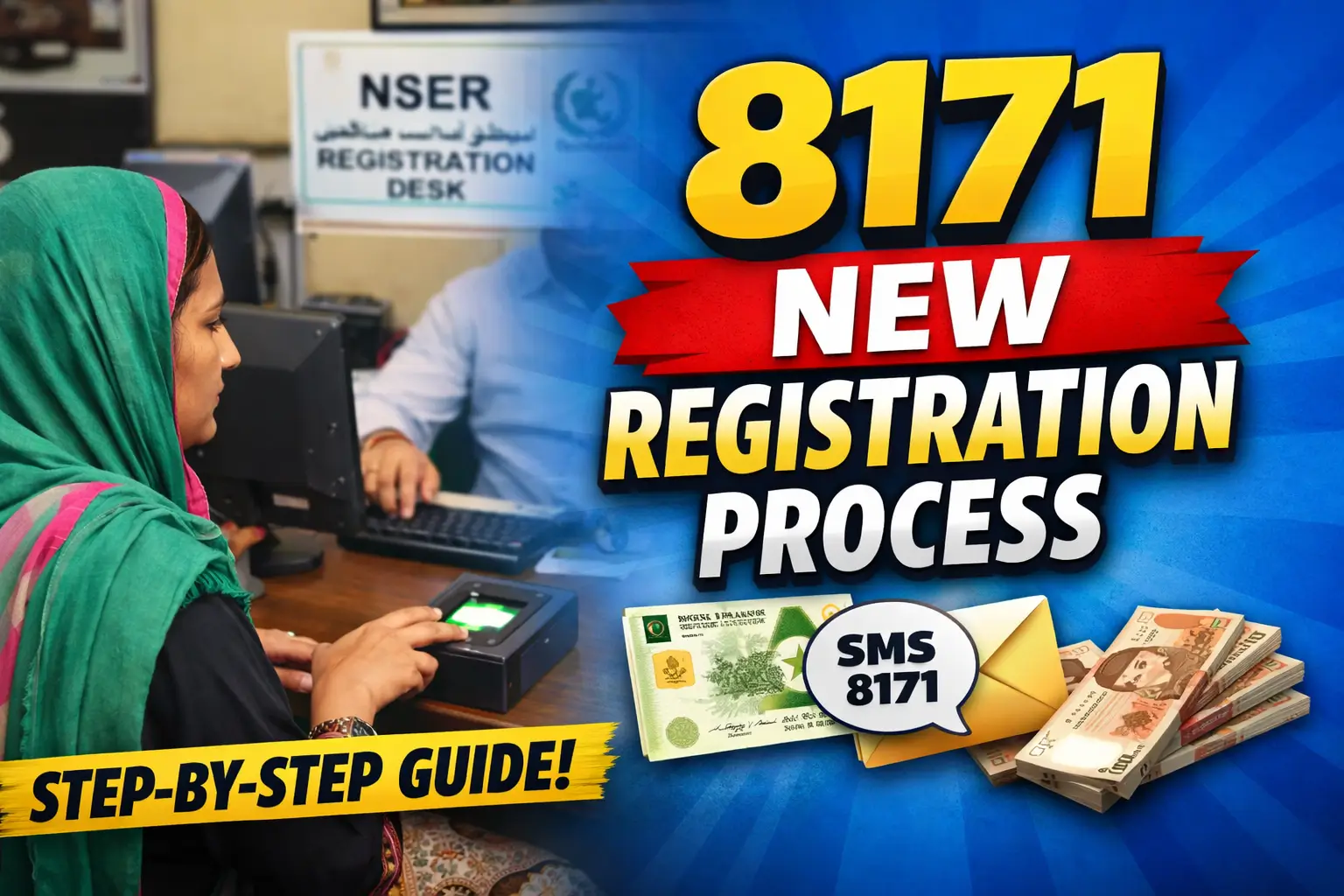
8171 New Registration Process 2026 – Complete Guide for Beneficiaries. The 8171 New Registration Process 2026 has been updated to help deserving families receive financial support.
This guide explains how new applicants register, how old beneficiaries update data, and how to check eligibility using CNIC.

If your payments stopped or your status shows not eligible, this article will help you fix it.
What Is the 8171 Registration System?
The 8171 system is the official government platform used to manage social welfare programs in Pakistan.
It works under Benazir Income Support Programme and covers multiple services.
Main Purpose of 8171
- Check eligibility for BISP and Ehsaas programs
- Register new families through NSER survey
- Verify beneficiary data
- Track payment status
All records are connected with NADRA and the National Socio-Economic Registry (NSER).

Who Needs to Register Through 8171 in 2026?
The updated process applies to both new and old beneficiaries.
New Beneficiaries
You must register if:
- You never received BISP or Ehsaas payments
- Your family is not listed in NSER
- You recently became eligible due to:
- Job loss
- Disability
- Widowhood
- Extreme poverty
Old Beneficiaries
You must update or re-register if:
- Your status shows Not Eligible
- You received a survey or verification SMS
- CNIC details changed
- Payments stopped or were blocked
8171 New Registration Process for New Beneficiaries (2026)
New registration is not online.
It is done through the NSER Dynamic Survey.

Step 1: Visit Nearest BISP Tehsil Office
- Go to the closest BISP registration center
- Carry your original CNIC
- No appointment required
Step 2: NSER Dynamic Survey
Your household data is collected, including:
- Family members
- Monthly income
- House condition
- Utility usage
This data creates your poverty score.
Step 3: Biometric Verification
- CNIC fingerprints are verified
- Data is matched with NADRA
- Errors are fixed on the spot
Step 4: Confirmation via 8171
After survey completion:
- Send your CNIC to 8171 by SMS
- Or check status on the official portal
8171 Registration for Old Beneficiaries (Data Update Guide)
Old beneficiaries usually do not repeat full registration.

When Data Update Is Required
- CNIC expired or renewed
- Marriage or divorce
- New child added
- Family member removed
- Income changed
- Survey expired
How to Update Data
- Visit BISP Tehsil Office
- Request data update or re-survey
- Provide documents if needed
- Wait for system review
Eligibility updates automatically.
8171 CNIC Status Check After Registration
After registration or update, check your status using one of these methods.
Method 1: SMS Check
- Type CNIC number (without dashes)
- Send to 8171
- Receive eligibility reply
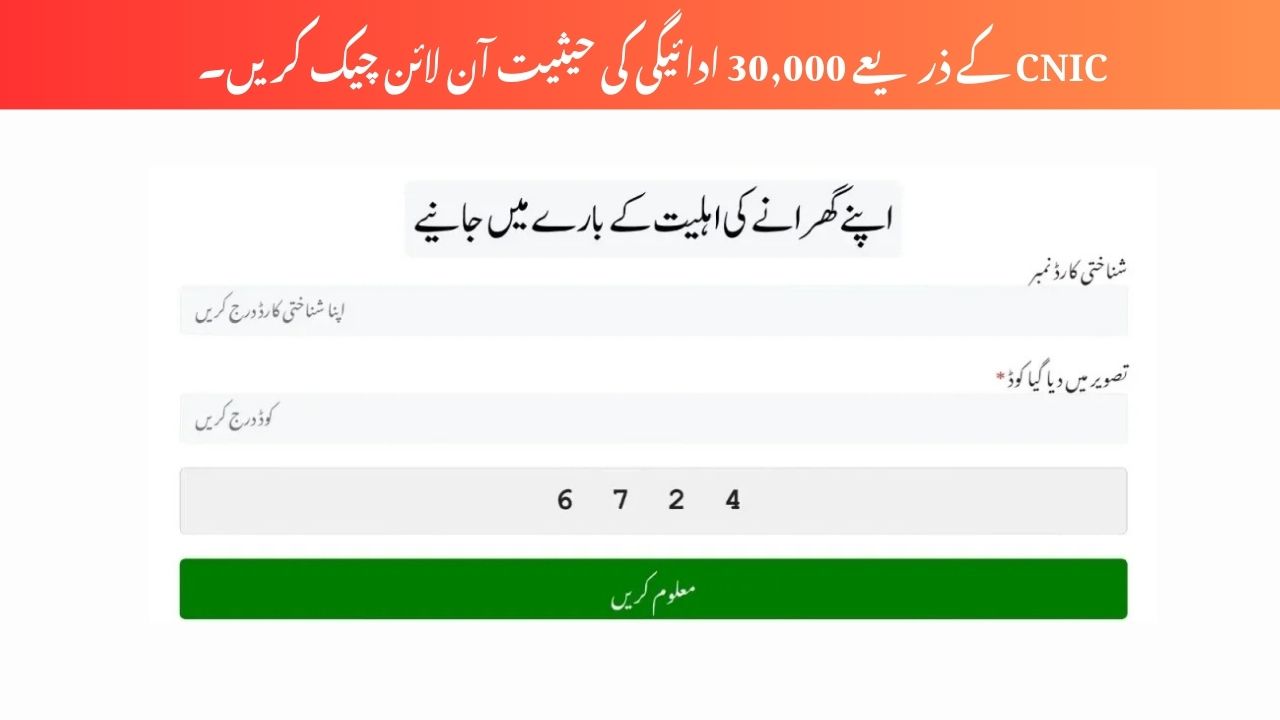
Method 2: Online Portal
- Enter CNIC
- View survey and payment details
Required Documents for 8171 Registration
| Document | Required |
|---|---|
| Original CNIC | Yes |
| B-Form (Children) | If applicable |
| Disability Certificate | If applicable |
| Death Certificate (Widow) | If applicable |
| Utility Bill | Sometimes |
Common 8171 Messages and Their Meaning
| Message | Meaning |
|---|---|
| Eligible | You qualify for payment |
| Under Verification | Data is being checked |
| Survey Required | Visit BISP office |
| Not Eligible | Poverty score too high |
| CNIC Not Found | Not registered in NSER |
Common Problems and Official Solutions
CNIC Not Found
Solution: Complete new NSER survey at BISP office.
Not Eligible Despite Poverty
Solution: Request re-survey with updated data.

Biometric Failed
Solution: Update fingerprints at NADRA, then revisit BISP.
Payment Blocked
Solution: Complete pending verification steps.
Important Guidelines for Beneficiaries
- Registration is 100% free
- Do not pay agents
- Trust only 8171 messages
- Never share CNIC publicly
- Always verify from official sources
Official 8171 Platforms
- SMS: 8171
- Web Portal: bisp.gov.pk
- Physical Offices: BISP Tehsil Offices
FAQs About 8171 New Registration Process
Is 8171 registration open in 2026?
Yes. Registration and re-verification are active through NSER surveys.
Can I register online for 8171?
No. New registration is done only at BISP offices.

How long does verification take?
Usually 2 to 4 weeks after survey completion.
Why was my payment stopped?
Most cases involve expired surveys or data mismatch.
Is Ehsaas still part of 8171?
Yes. Ehsaas Program services are integrated into BISP systems.
Conclusion
The 8171 New Registration Process 2026 focuses on fairness and accuracy.
Whether you are applying for the first time or updating old data, the NSER survey is the key step.